
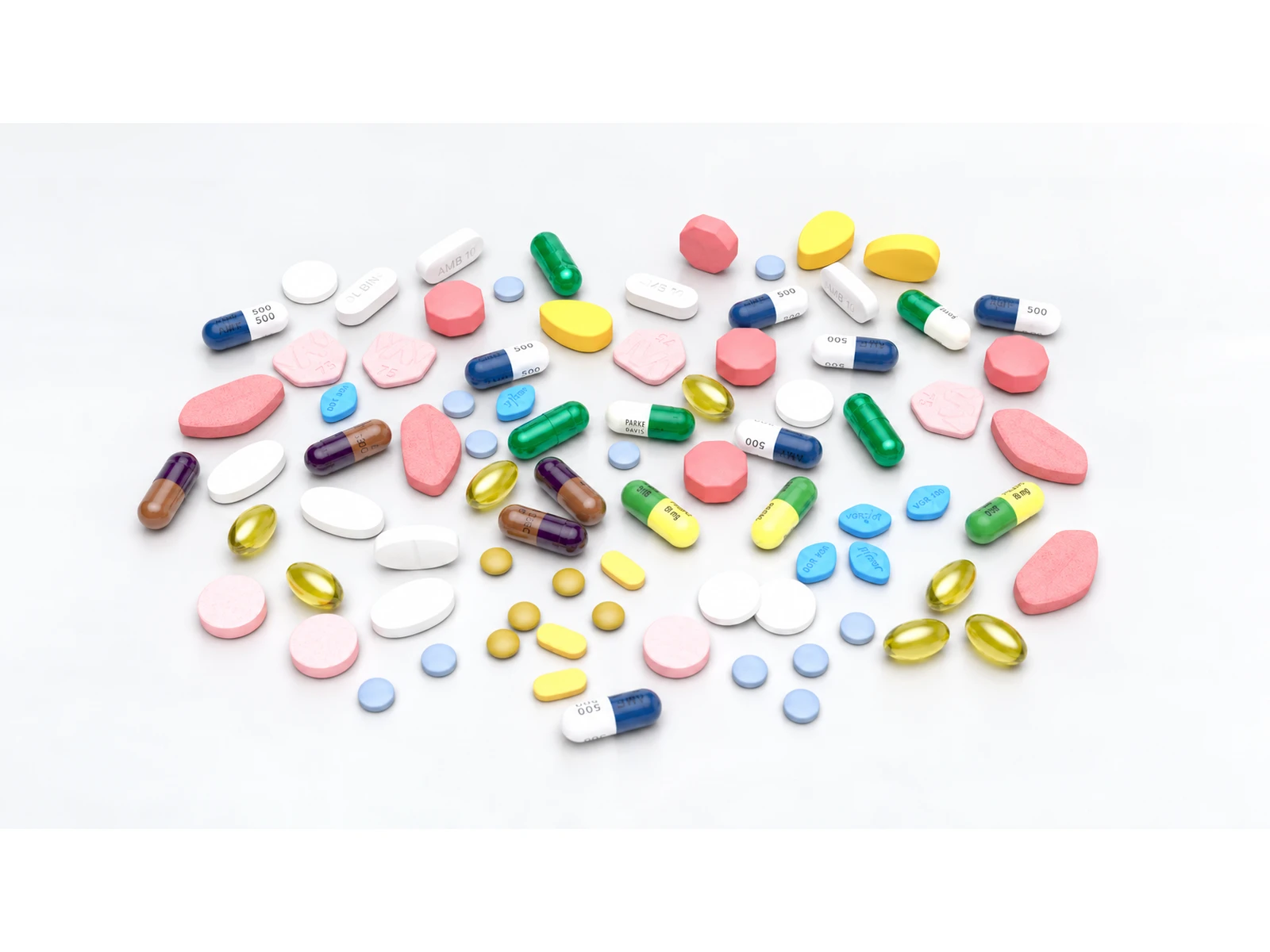
Oil-Based Printing Machine
Ink printing transfers identification onto a tablet coating or capsule shell. The ink system, contact method and drying interval must work with the actual surface so the mark remains legible through downstream handling.
| Selection point | Tablet surface | Capsule shell | Evidence |
|---|---|---|---|
| Working rate | Stable orientation and transfer without damage. | Stable cap/body presentation without separation. | Trial printing, drying and reject handling together. |
| Printed region | Selected face and permitted registration movement. | Selected cap or body area and assembly state. | Use drawings and representative units to verify placement. |
| Artwork | Legibility on the actual curvature and coating. | Legibility on the selected shell colour and surface. | Assess the intended text or logo after downstream handling. |
| Transfer method | Carrier and printing contact suited to tablet geometry. | Carrier and contact suited to shell dimensions. | Verify the selected printing mechanism and tooling. |
| Material compatibility | Coating composition, finish and surface condition. | Shell composition, colour and surface condition. | Demonstrate adhesion without unacceptable product effects. |
| Ink and drying | Compatible ink and sufficient drying before contact. | Compatible ink and sufficient drying before contact. | Evaluate drying, transfer resistance and cleaning for the selected ink. |
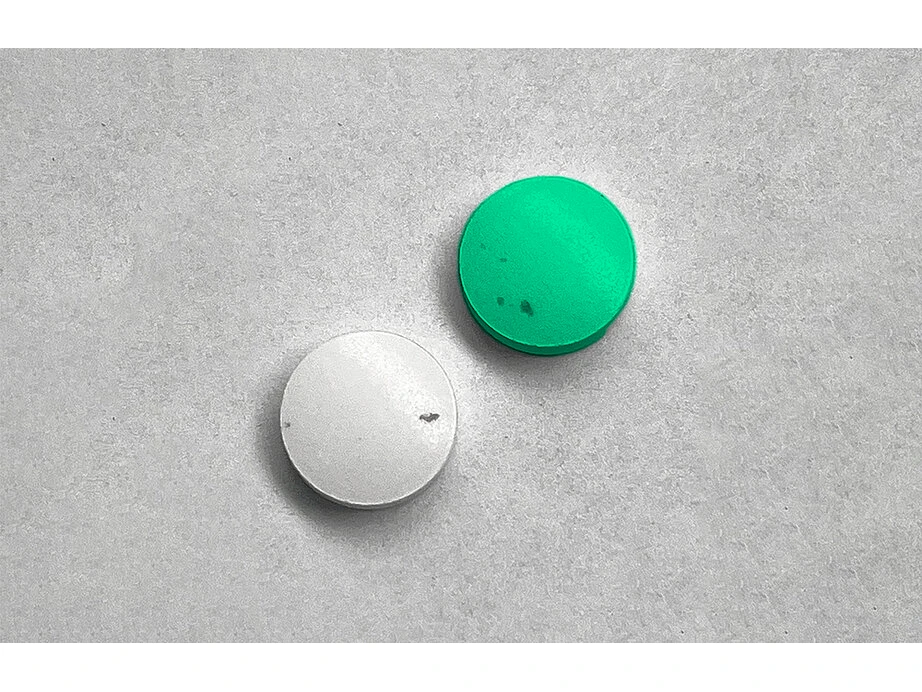
Confirm the intended artwork and supported tablet or capsule geometry with the selected carrier and printing arrangement.
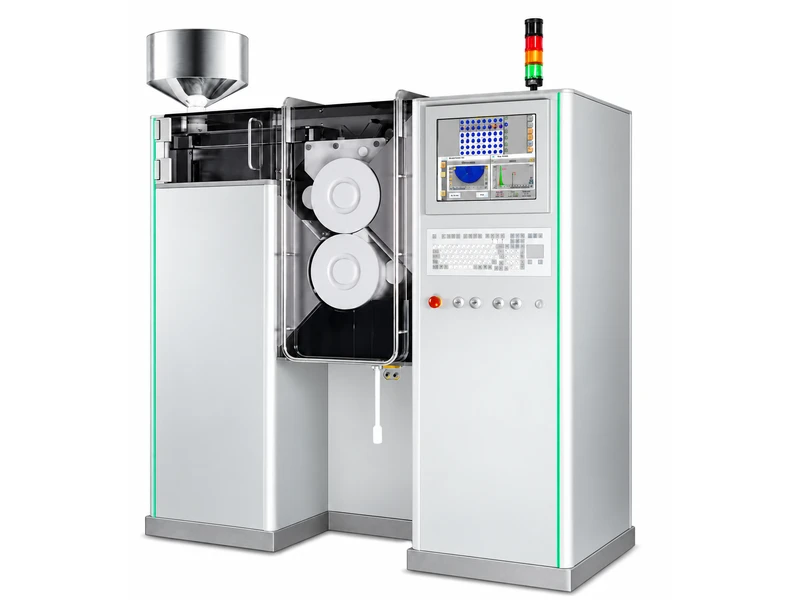
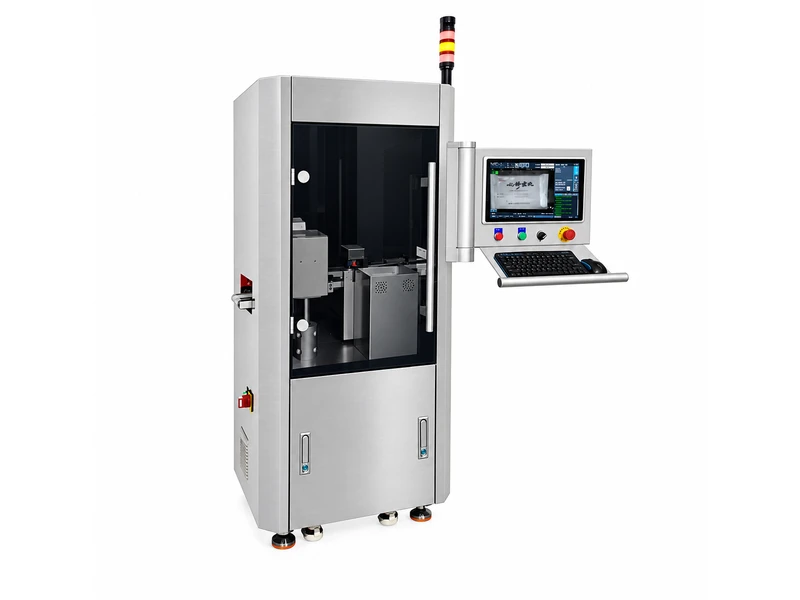
Product carriers set the print position. An optional vision station can check registration and pass a reject signal to the sorter.
Review carrier fit, hopper adjustment and the operator setup used between print formats. Request applicable machinery documentation for the proposed configuration.
Printing and product contact
A readable mark must remain correctly positioned and resist transfer through subsequent handling.
Registration
Keep the artwork within the intended product surface
Drying
Prevent smearing before the next contact point
—
Product formats
—
Process options
Key benefits
A sharp image at the print station can still smear at the next guide or transfer point. Artwork detail, deposited ink and the available drying interval must be evaluated as a connected process. Production acceptance should include the handled product, not only a freshly printed sample.
Technology & features
The selected print tooling defines the image, while the carrier and feed arrangement present the intended face or capsule region. Single-side, double-side and multicolour work require the corresponding configured stations; they are not interchangeable setup choices on every model.
Ink condition and the cleanliness of the transfer surfaces affect consistency during a run. Recipe and tooling references, routine print checks and cleaning between products help separate a transfer issue from a registration or substrate issue.
Technical data
Use these inputs to define the proposed configuration. Confirm operating values against the selected model and trial conditions.
| Project input | What to record and why |
|---|---|
| Ink system | Identify the ink, product surface and drying requirements. Check compatibility and transfer resistance on representative units. |
| Tablet or shell surface | Include curvature, coating and surface finish in the sample set. Check ink adhesion where the mark is actually applied. |
| Printing area | Show the printable face and allowed registration movement on the drawing. Use samples to verify the entire mark stays inside that boundary. |
| Drying and transfer time | Measure the elapsed time from printing to the next product contact. Inspect for smearing both at startup and at steady feed. |
How it works
How is print registration established? 
Use the intended product and carrier to locate the complete artwork within the allowed printing area. Compare startup and steady-running samples for movement or incomplete transfer.
How should drying and transfer resistance be checked?
Follow printed units through the expected guide contacts and packing interfaces. Examine smearing and image transfer at the relevant time after printing, using the ink and product surface proposed for production.
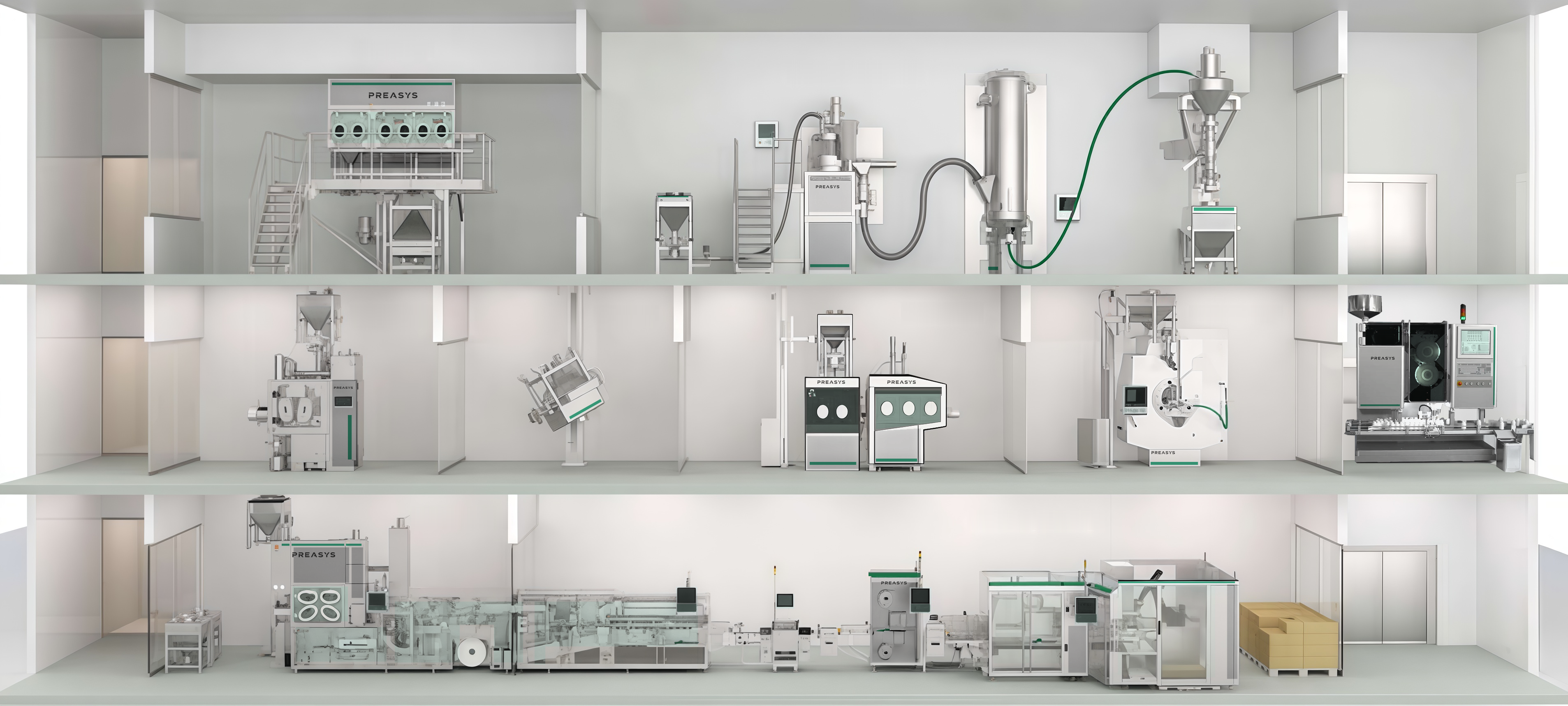
Oral solid dosage · Integrated production
From powder to
packaged product
Discover the equipment behind your solid dosage process.
Route selection. Wet and dry granulation are alternatives. Select tablet compression or capsule filling for the dosage form; include coating when required.
Illustrated equipment and packaging options show process relationships. The facility layout and equipment configuration are defined for each project.
Line integration
Check print coverage and smearing before packing
Receive tablets or capsules in the agreed surface condition. After printing and the required drying interval, send units through the specified image verification and reject path before bottle or blister packing. Each transfer must avoid damaging the still-developing image.
Services

Define the equipment scope
Ink compatibility, artwork detail and tablet or capsule geometry govern the tooling and drying requirements.
Learn more
Agree the acceptance test
Review print coverage and smearing after handling with the intended packaging materials.
Learn more
Prepare for operation
Identify the contact parts and format tooling for Oil-Based Printing Machine. Agree access for cleaning, the spares to hold and the operating records the site will need.
Learn moreDiscuss your tablet printing
Share ink system, tablet or shell surface and printing area.
Request product information
Resources

Brochure
Product brochure
Oil-Based Printing Machine
Available by enquiry
Request product information2 resources
Frequently asked questions
How is the ink system selected?
Select the ink with the product surface, intended mark, drying interval and subsequent handling in mind. Verify adhesion and transfer resistance on representative tablets or shells, and define the corresponding cleaning procedure.
Is printing equivalent to laser marking?
No. Printing transfers an ink image; laser marking changes the dosage-form surface through beam interaction. Their substrate, verification and maintenance requirements differ.
Can both sides or two colours be printed automatically?
Only with the appropriate configured stations, product presentation and tooling. Define the artwork and positions before selecting the machine scope.
Contact
For a configuration review, include ink system, tablet or shell surface, printing area, drying and transfer time.
Discuss your project